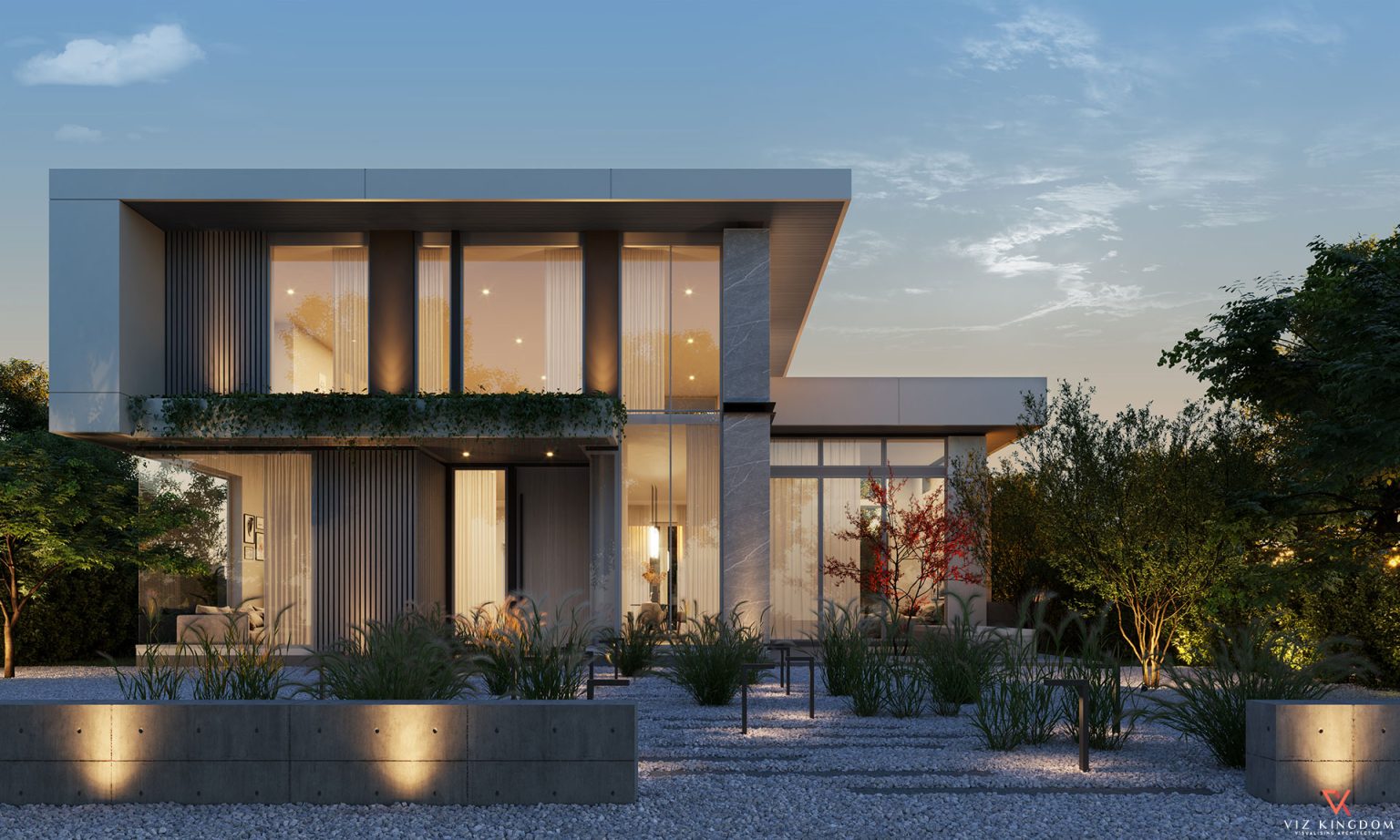
3D Rendering Walkthrough Explained for 2025 Projects
Visualizing architecture before construction has become easier and more realistic, thanks to modern tools like 3D rendering walkthroughs. These virtual tours help clients, investors, and designers step inside unbuilt spaces—making decisions faster and projects more impactful.
If you’re exploring high-quality 3d walkthrough animation services, this blog is your go-to guide for everything you need to know.
What is a 3D Rendering Walkthrough?
A 3D rendering walkthrough is a digitally animated video that simulates a guided tour of an architectural space. Instead of a flat image or static view, you get a moving camera that navigates:
- Hallways
- Rooms
- Open landscapes
- Complex structures like lobbies or balconies
These walkthroughs are created using software like Blender, 3ds Max, Lumion, and Unreal Engine, and are widely used in architecture, real estate, interior design, and urban planning.
Why 3D Walkthroughs are Essential in 2025
- 🏗️ 85% of real estate clients prefer interactive visuals over still images
- 🧠 40% faster decision-making with virtual walkthroughs compared to traditional blueprints
- 📈 Used by developers, architects, furniture brands, and hospitality chains to pitch concepts and win approvals
Key Benefits of 3D Rendering Walkthroughs
Realistic experience for non-technical viewers
Walkthroughs allow clients without architectural knowledge to understand layout, scale, and design intent clearly.
Boosts marketing and sales
Projects with animated walkthroughs tend to get more attention on websites, social media, and sales presentations.
Saves revision time and construction errors
Visualizing the space beforehand helps detect functional or aesthetic issues early.
Supports remote collaboration
In a post-pandemic world, 3D walkthroughs are essential for virtual meetings and stakeholder approvals.
Where 3D Rendering Walkthroughs are Used
| Industry | Use Case |
| Real Estate | Selling under-construction flats or villas |
| Interior Design | Visualizing room layout, lighting, and materials |
| Architecture Firms | Client presentations & RFPs |
| Retail & Hospitality | Hotel previews, showroom mockups, event setups |
| Urban Planning | Township and public space simulations |
Step-by-Step Process of Creating a 3D Rendering Walkthrough
1. Import the 3D model
Architects provide CAD drawings or a 3D model, which is imported into visualization software.
2. Camera path setup
Experts define how the camera moves—walking through entryways, hallways, up staircases, etc.
3. Lighting, textures, and detailing
Realistic materials, daylight, artificial lighting, and props like furniture and trees are added.
4. Rendering the frames
The animation is rendered frame by frame, which can take hours or days depending on the complexity.
5. Post-production
Color correction, background music, and branding are added in software like Adobe After Effects or Premiere Pro.
Types of 3D Rendering Walkthroughs
- Exterior Walkthroughs: Showcases the outer view of a property or landscape
- Interior Walkthroughs: Virtual tour inside homes, hotels, offices, etc.
- Flythroughs: Aerial or drone-style navigation ideal for large projects
- Hybrid: Combines exterior, interior, and landscape in one seamless animation
Software Commonly Used for 3D Walkthroughs
| Software | Features |
| Lumion | Fast real-time walkthroughs |
| 3ds Max + V-Ray | High-detail photorealism |
| Blender | Free and customizable |
| Enscape | Ideal for architects using Revit |
| Unreal Engine | For game-like immersive experiences |
Why India is a Global Leader in 3D Walkthrough Services
India’s creative studios have mastered architectural animation with:
- Skilled professionals trained in design and rendering
- International client experience
- Competitive timelines and cost-effectiveness
That’s why many businesses prefer 3d architectural rendering services based in India.
How to Use Walkthroughs in Your Projects
- Embed in your project proposal or pitch deck
- Host on your website’s property or portfolio pages
- Share across social media to drive engagement
- Present in meetings with clients and stakeholders
- Use in digital ads or investor decks
Final Thoughts
A 3D rendering walkthrough is more than just animation—it’s a storytelling tool that makes architectural ideas come alive. Whether you’re selling a project, pitching a design, or showcasing a vision, a well-made walkthrough can set you apart in the competitive design world.
For impactful, on-brand, and high-definition walkthroughs, collaborate with studios offering professional 3d walkthrough animation services.
FAQs – 3D Rendering Walkthrough
Q1. What is the difference between a 3D walkthrough and a flythrough?
A walkthrough simulates a human’s path through a space, while a flythrough takes an aerial view, like a drone.
Q2. Can I request revisions in a 3D walkthrough animation?
Yes, most agencies allow 1–2 rounds of revisions during camera path or texture setup.
Q3. Do I need to provide a 3D model?
You can provide a model, or the rendering studio can create one from CAD drawings or sketches.
Q4. How long does it take to make a 3D walkthrough?
It depends on complexity. Basic walkthroughs take a few days, while large projects can take 4–6 weeks.
Q5. What file format is the final output delivered in?
Typically, MP4 or MOV files are delivered, compatible with all devices and platforms.
Testimonials

Viz Kingdom work has become an essential part in Sameer Design consultants architectural work presentations. The quality of 3D renderings are high with reasonable prices. Viz Kingdom team quickly understands our architectural 3D comments and not only respond accordingly, but also add their inputs to come up with quality work within a short period of time. I highly recommend them.
Sameer Akbar, UAE
Professional service with excellent results. We used Viz to produce 3D architectural renderings for a development project. This was used in marketing materials and greatly assisted in our sales strategy. We have used them now for several projects and would recommend them strongly.
Binoy Karia, UK

I am a professional sculptor who creates monuments in outdoor public spaces. Therefore, I needed architectural 3D design renderings which depicted my sculptures within the future environmental settings where they will permanently reside. I was referred to Viz Kingdom via a mutual business associate, and I was not disappointed. They were very accommodating with all of my requests, even though I provided them with very short notice of my project. They took direction well, were very accessible (despite being overseas), and were also good at anticipating my design objectives. As an artist, it is important for me to collaborate with those who have ann ability to easily interpret my concepts, and this company seamlessly proved strong in that regard. I would definitely recommend their architectural visualization services to my fellow associates.
Alvin, New Jersey, USA
Kaushik and his team have served me and my clients very well over the years. Since we started working together several years ago Kaushik and his team have never failed to amaze me with their level of quality and attention to detail. Their work is amazing and highly effective for helping clients and contractors visualize our vision for various commercial and residential projects. It is without any reservations that I recommend Kaushik and his team to help you with professional renderings. 5 STARS!
Frank Cunha III, USA
My journey with Vizkingdom began with a simple search for 3D animation walkthrough services. However, it quickly evolved into a truly rewarding and collaborative experience. The team's genuine passion for architectural visualization was evident from the outset, and their enthusiasm was contagious. The final product exceeded my expectations and served as a powerful tool for effectively communicating my design intent to stakeholders and potential investors. Their dedication to clear communication and unwavering commitment to client satisfaction ensured a smooth and successful project from start to finish.
Creative Grid 7, Australia
Viz Kingdom's communication was excellent throughout the entire project. They kept me updated on the progress and made sure I was happy with the final results.
Zaga Skerletovic, USA

Very professional services, quick turn-around, great 3D visualization services, outstanding architectural 3D renderings
Bill Brown, USA
"I had a rather challenging backyard project that Kaushik @Viz Kingdom remarkably delivered from scratch. He was very patient to listen to my concerns and execute likewise. I can’t think of a better visualization than this. I would certainly recommend him for his expertise in 3d visualization eyes closed. Also would like to work with him in my future projects as well."
Abhilash Raveendran, Senior coordinator at Ceeyem, India

"I am working with Viz Kingdom since August 2017. He has always provided me high-end architectural visualization. Even without any meeting to discuss work or telephonic explanation of work he has understood the work very well and has given us the desired output. He has always achieved to deliver the renders on time, without exception. I definitely recommend him for his expertise in the work he does."



 USA
USA UK
UK Australia
 UAE
UAE Canada
 Spain
Spain